








How to detect what WordPress plugin website uses
When searching through some websites, you may wonder “what plugins does this site use?”. You can see interesting solutions on WP sites. For example, interesting widgets, subscription form, navigation, comment module – and you want to take these advantages to your own site. But how do you know what exact plugins they installed? There are two ways to detect WordPress plugins a certain website uses.
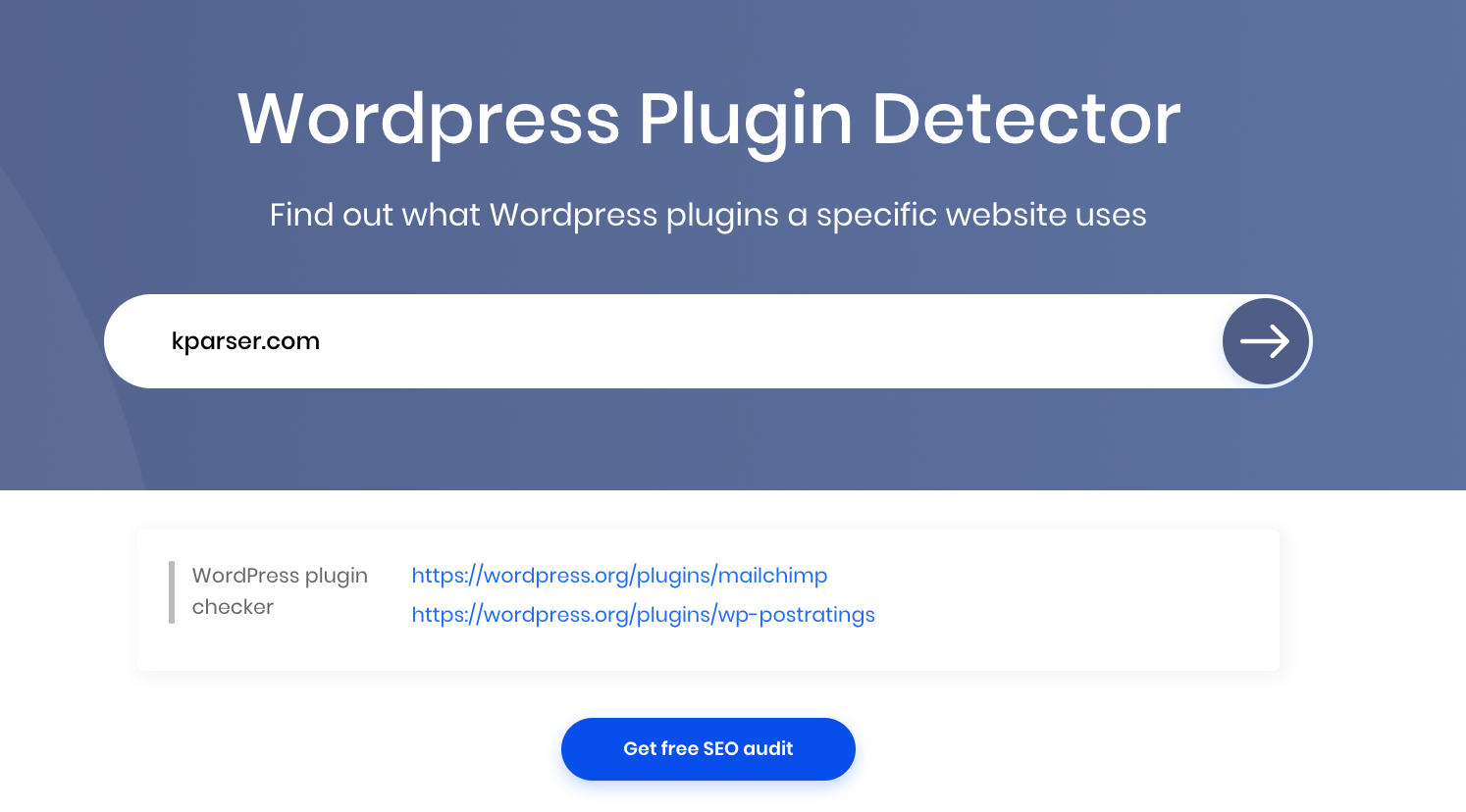
WordPress plugin checker
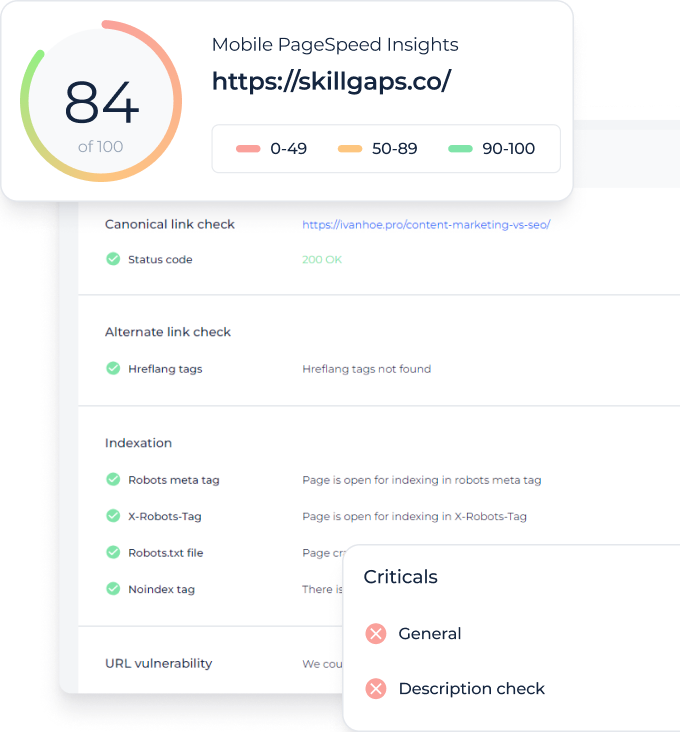
The easiest way to find out which plugins are used on a website is to use automatic detection systems. Unfortunately, such tools cannot detect absolutely all plugins. However, starting with these tools is the easiest way to start the process of detecting plugins, since they are easy to use and very quickly cope with their tasks.
- Enter the website URL into placeholder above.
- Press “Check” button.
- Explore the list of plugins are found.
Check HTML code
All sites use HTML code to display content. The browser sees this code and displays it so that we can recognize it. Seeing and understanding the code is not so difficult. Let’s look at three ways to look for clues in the code that some plugins leave. We will use the Chrome browser (the same principles will work in other browsers):
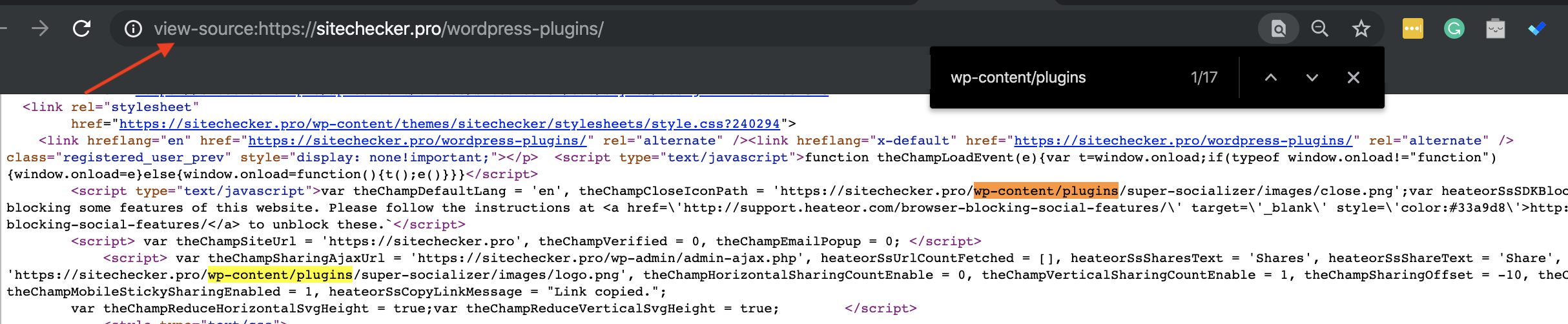
- View page source and do a quick search in the resulting code on the line “wp-content / plugins /”. After this text, the code may contain the name of the plugin (note: there may be several such occurrences in the code if there are many plugins on the site). Also, you can try searching the style sheets or JS files (search by “.css” or “.js” in the code), since they may contain the name of the plugin in their names.
- Looking for HTML comments. Some plugins leave their own code on the page wrapped in HTML comments – Yoast’s SEO is a great example. View page source to scroll through the code and examine the lines with green text – these green lines are HTML comments.

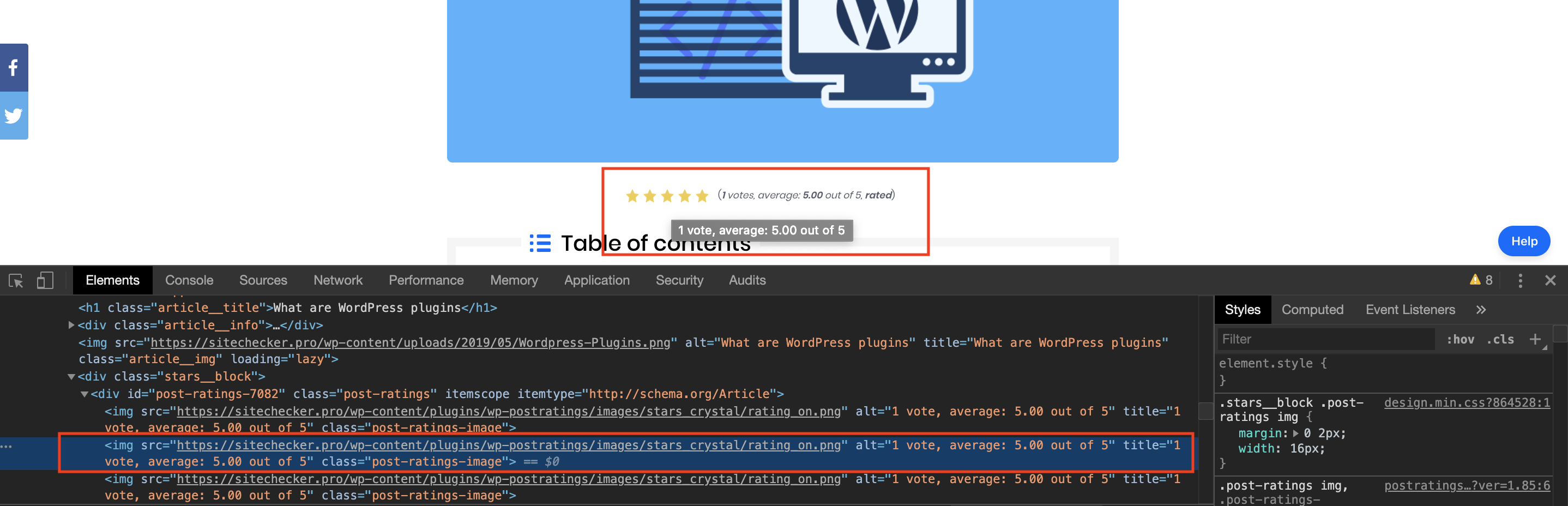
- Explore specific web elements. Inspect the element of a certain web element (widget, table, etc.). Examine the code and try to find the names ID or Class. Class or identifier names may include the name of the plugin that is responsible for this feature.