








What is a website directory scanner
It is always a good idea to scan a website for hidden directories and files (hidden – means directories and files that are not referenced, and which only the webmaster knows about). At a minimum, you can learn something new about the site, and sometimes a super prize just drops out – an archive of a site or database, backup of sensitive documents, etc.
The directory scanner helps you to discover a specified directory on the system for files containing messages (for example, in XML or JSON format). When the messages have been read, they can be passed into the core message pipeline, where the full range of message processing filters can act on them. Website directory scanner is typically used in cases where an external application is dropping files (perhaps by FTP) on to the file system so that they can be validated, modified, and potentially routed on over HTTP or JMS.
It helps to audit web applications professionally. Especially, when you launch safety-oriented tests. It covers some holes not covered by classic web vulnerability scanners. It is looking for specific web objects, but does not look for vulnerabilities and does not search for web content that may be vulnerable.
Guide on how to use directory scanner effectively:
It is simple enough:
- Enter the URL of the website you want to scan into placeholder below;
- Press the “Start” button;
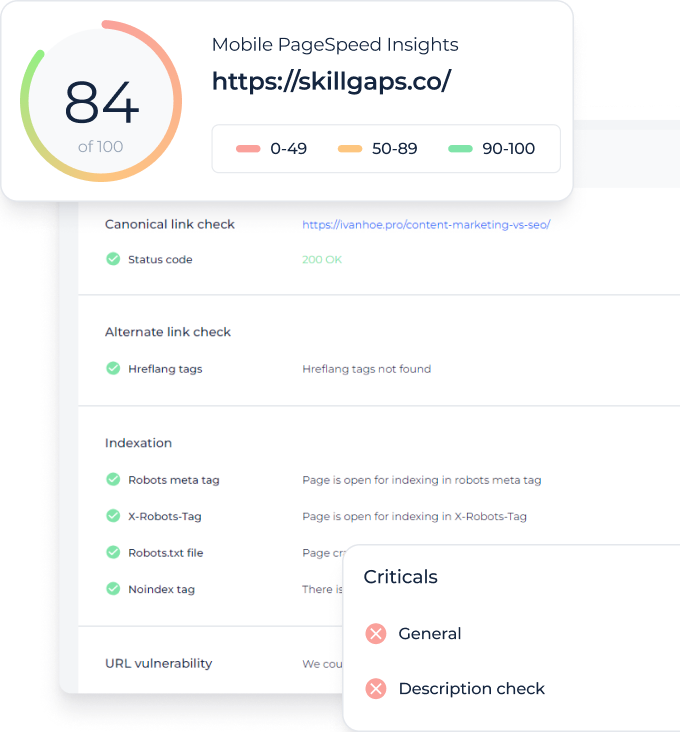
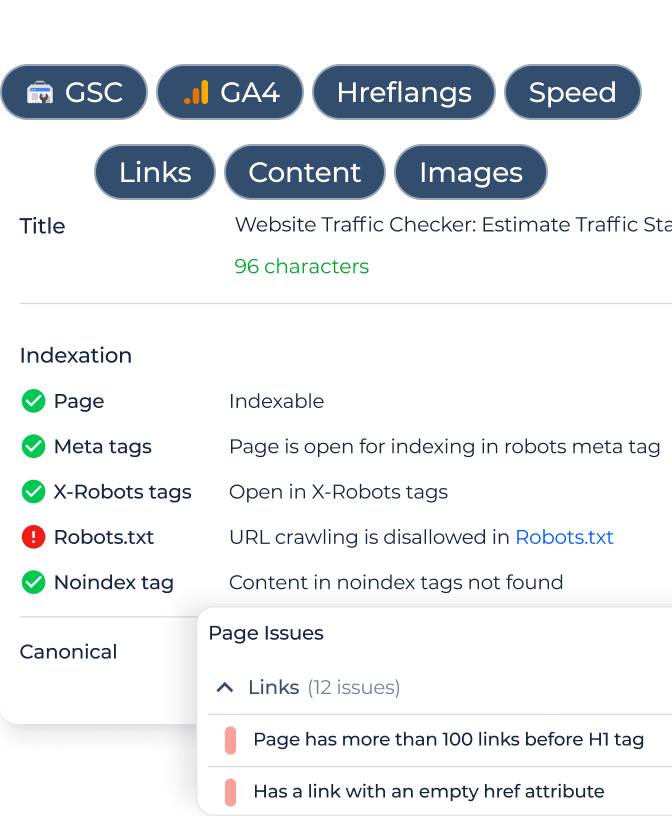
- Receive the whole audit report.