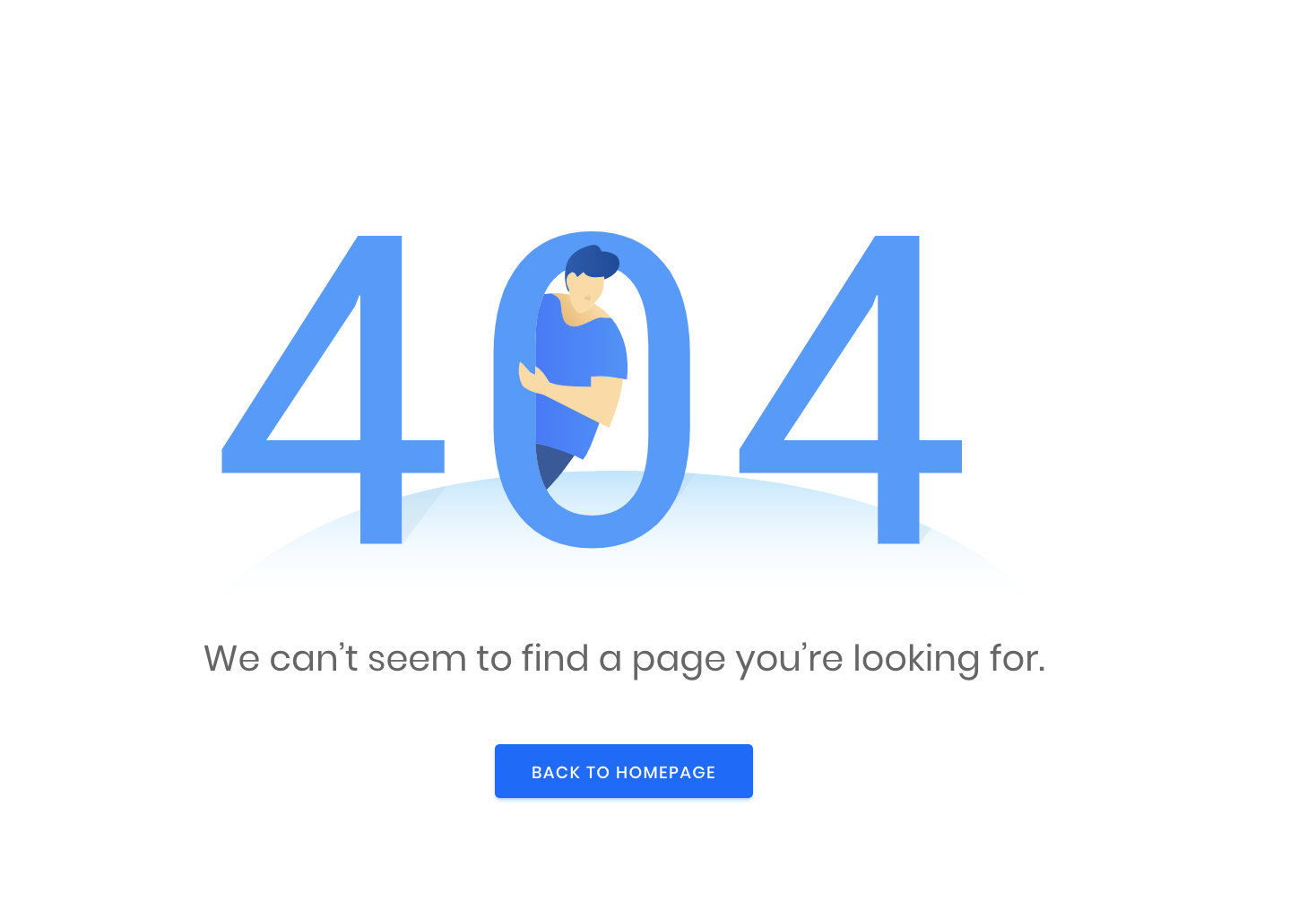









What is a 404 error
“Error 404” (or “Page Not Found”) – is a standard HTTP status code that occurs when the server can’t find the document requested by a user. Basically, this is a page that doesn’t exist or broken.
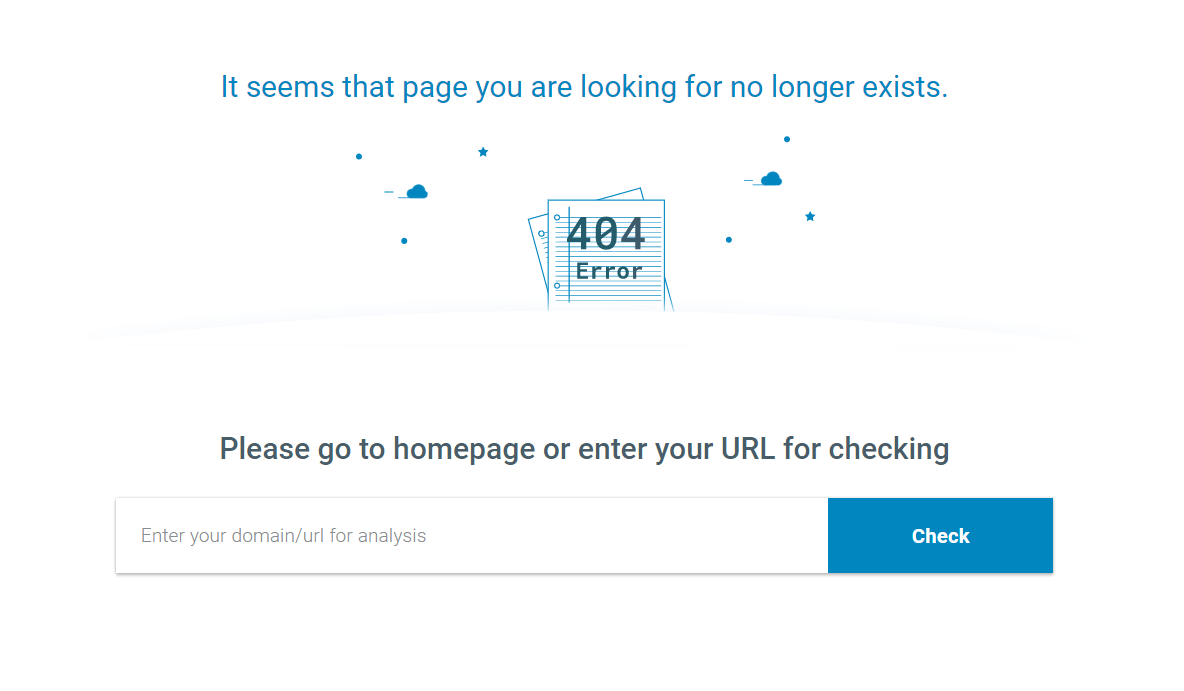
How can this page look like:
- 404;
- 404 Error;
- 404 Not Found;
- Error 404;
- 404 Page Not Found;
- Error 404 Not Found;
- HTTP 404 Not Found.
What causes a 404 error
There are 4 reason why this http status code appears:
- Your page was deleted from the website;
- The user has typed the URL address incorrectly;
- Page was moved and the redirection was configured incorrectly;
- The server malfunctions (it happens very rarely).
Ideally, there shouldn’t be any links that return 404 errors on the site (or external links). But let’s be realistic if the site has more than a thousand pages, the occurrence of a 404 error can’t be avoided. It can be a bit surprising though when you find a site with a small number of pages (which means that all broken pages can be traced manually) that contain three broken backlinks to articles in the “Latest News” section of the front page.
Significant increase of 404 errors
It’s one thing when a site is bypassed, and search engine robots report on several dozens of errors, but what if this number increases by hundreds or even thousands? A prompt intervention and solution should be initiated if the number of 404 errors exceed 10% of the total number of pages on the website. There can be many reasons for the appearance of such a larger number of non-existent pages, but mostly they are related to problems with the code (for instance, these pages were created with the help of scripts and styles, and the styles are in the code of the template, and not in a separate file).
Another reason why robots bypass pages that have never been on the site is because of virus attacks (for example, placing doorway pages on the website). Even after its prevention and removal, robots will continue to bypass the created pages for some time afterwards, and this can lead to the appearance of numerous 404 errors. But, thanks to various tools, you can easily track conversions on such links.
How to detect and track down broken links
1. Sitechecker
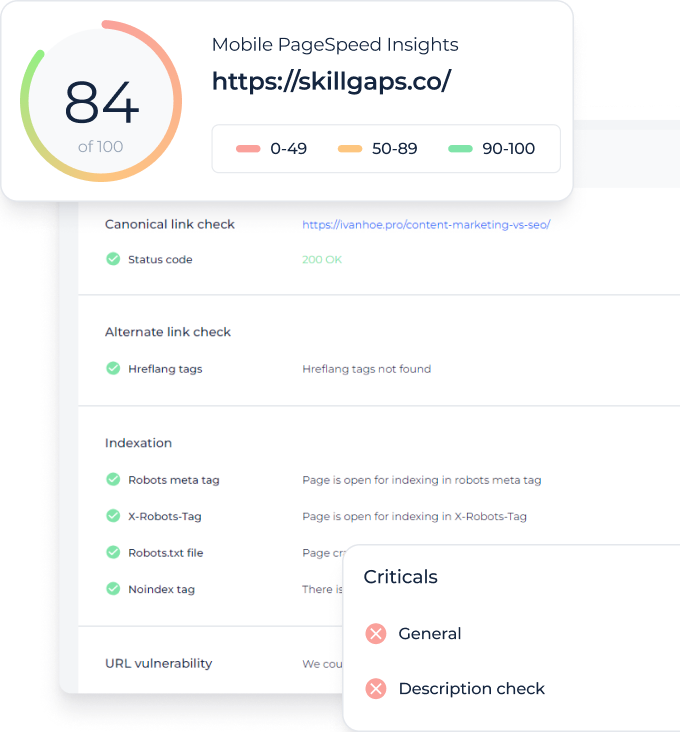
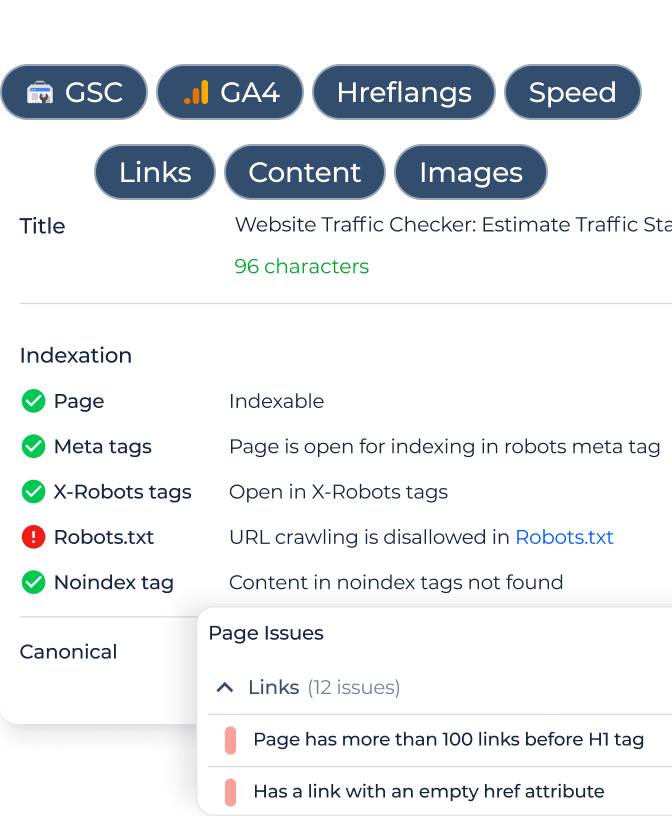
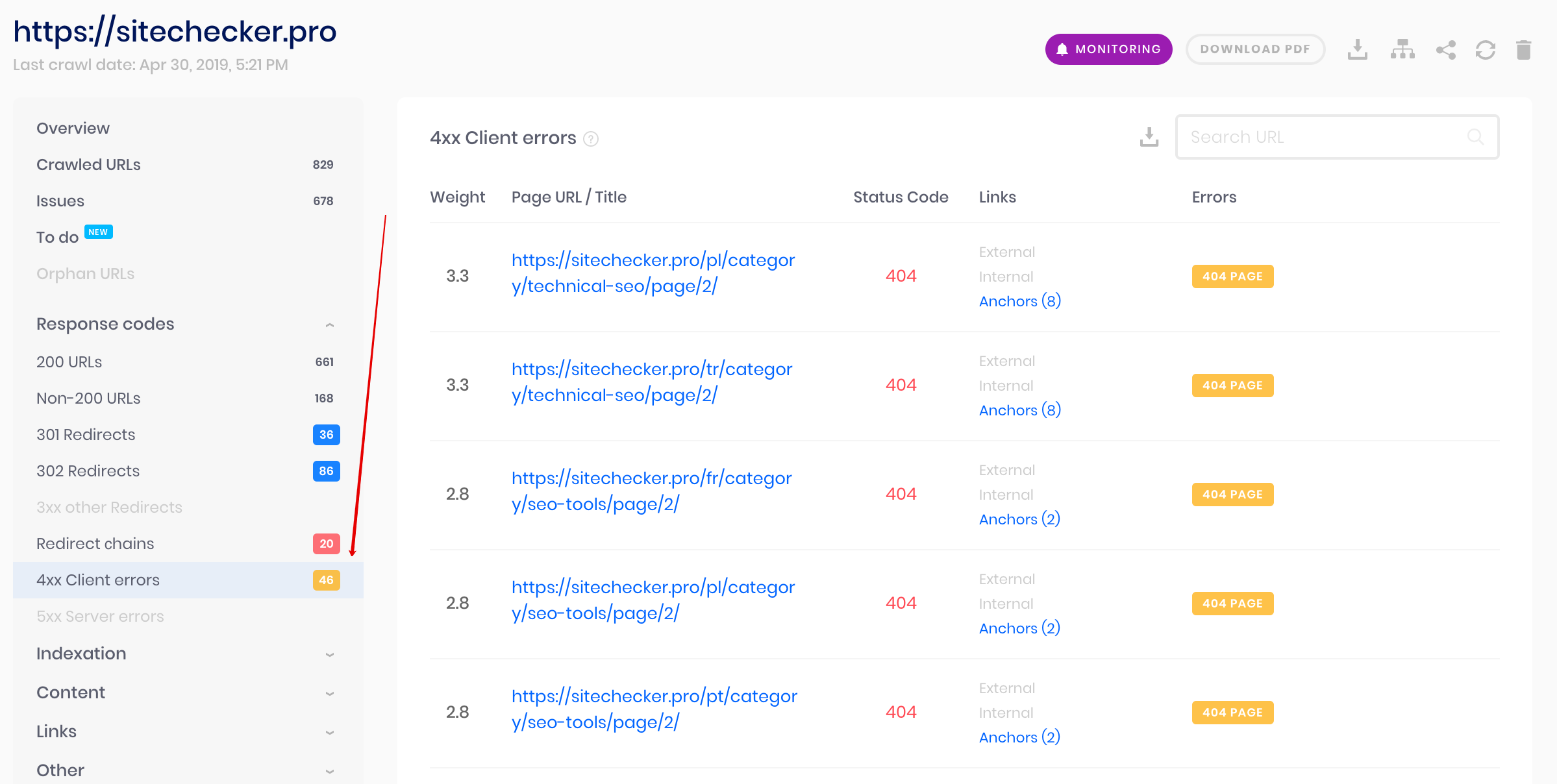
One time audit in Sitechecker helps to find out all broken pages on the website and detect where links to them are placed.
Real time monitoring helps to detect broken pages that appear during last changes you have made on the website.
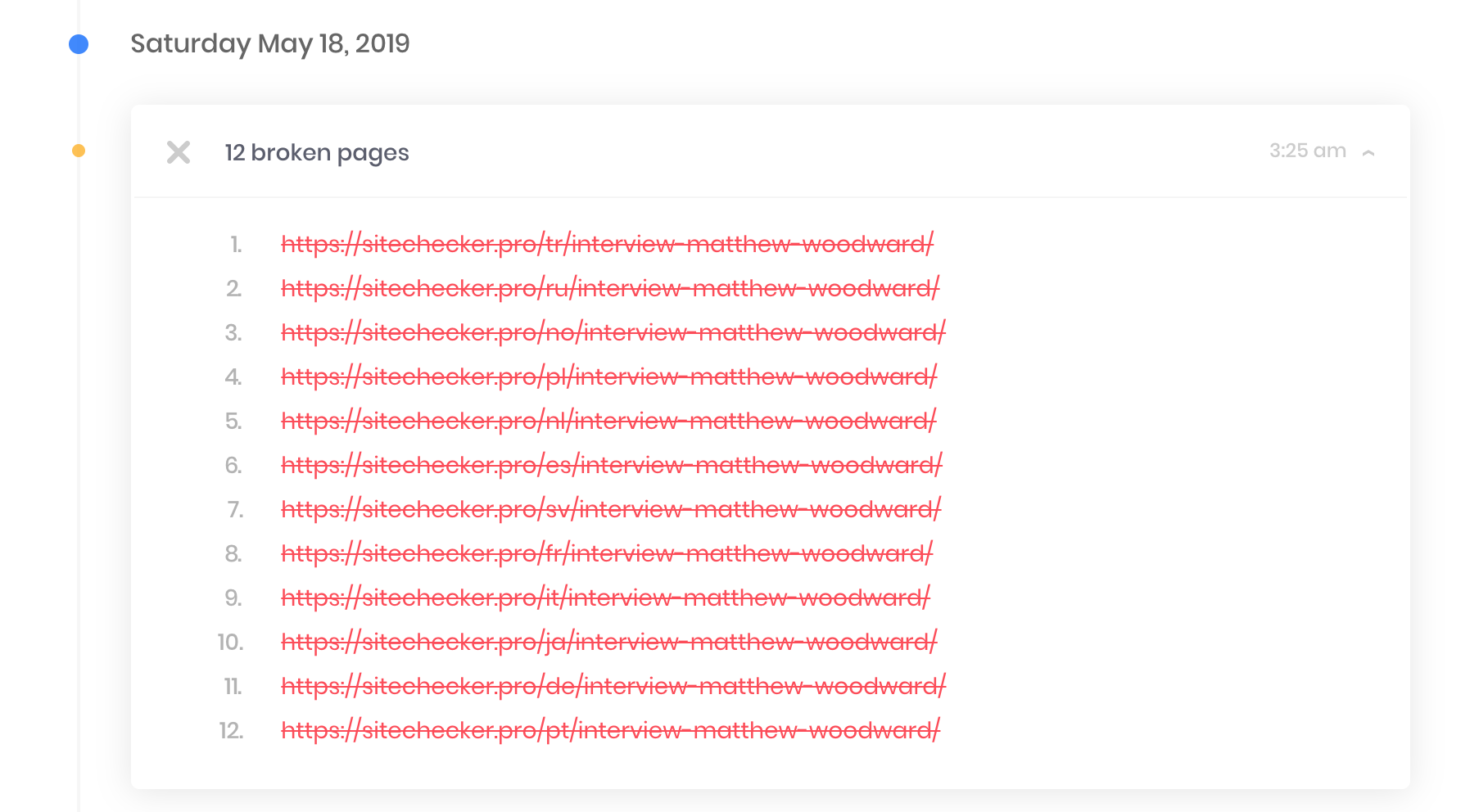
This feature saved our projects from decreasing traffic a few times. If you make changes on the website often, it is better to start monitoring website’s health.
Fix all 404 errors on the website
Crawl your website, detect all broken links and fix them immediately
2. Yandex.Metrica
To track broken links and redirections in Yandex.Metrica you need to go to “Visitor settings”. Just place this string in the counter code:
params:window.yaParams||{ }});Also you should place this JS-code somewhere on the 404 page:
<script>

var url = document.location.pathname + document.location.search

var url_referrer = document.referrer;

var yaParams = {error404: {page: url, from: url_referrer}};

</script>
Here url – is the current address of the 404 page, and url_referrer is the address from which it was accessed. This way you can not only track all the broken links, but also the pages on which they are placed.
3. Google Analytics
To track the redirections using Google Analytics, you should place this code on a 404 page:
<script>

ga('send', 'pageview', '404.html?page='+ document.location.pathname + document.location.search +'&from=' + document.referrer);

</script>
Where document.location.pathname + document.location.search is the URL of the page not found on the site and document.referrer is URL of the page which the user was redirected from.
4. Yandex.Webmaster
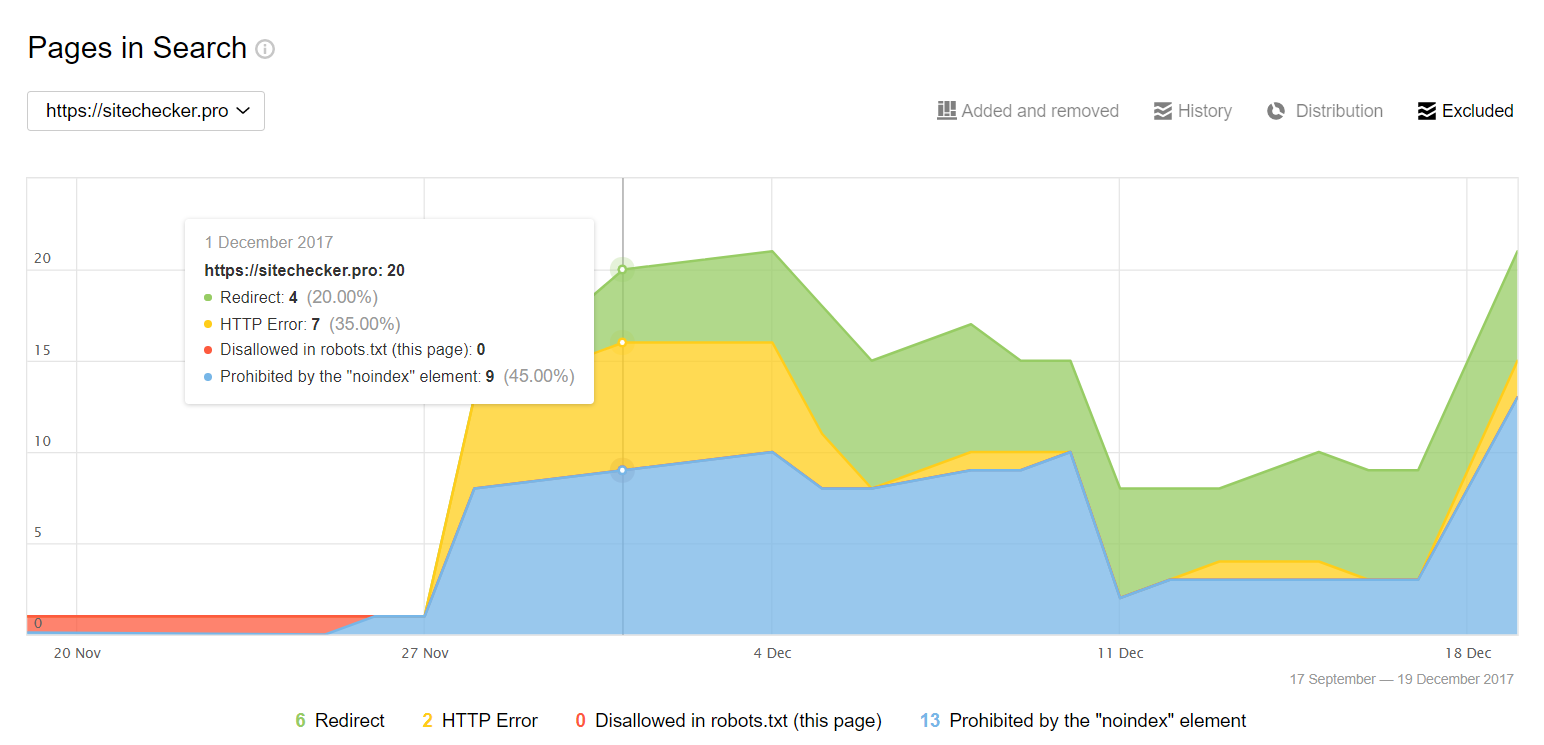
To find these pages follow this path.
Yandex.Webmaster > Indexing > Searchable pages > Excluded pages
Here you can select the pages that have the error using the “Error HTTP: 404” filter.
5. Google Search Console
Use this path to find out 404 errors that Google Search Console detected.
Google Search Console > Index > Coverage > Excluded
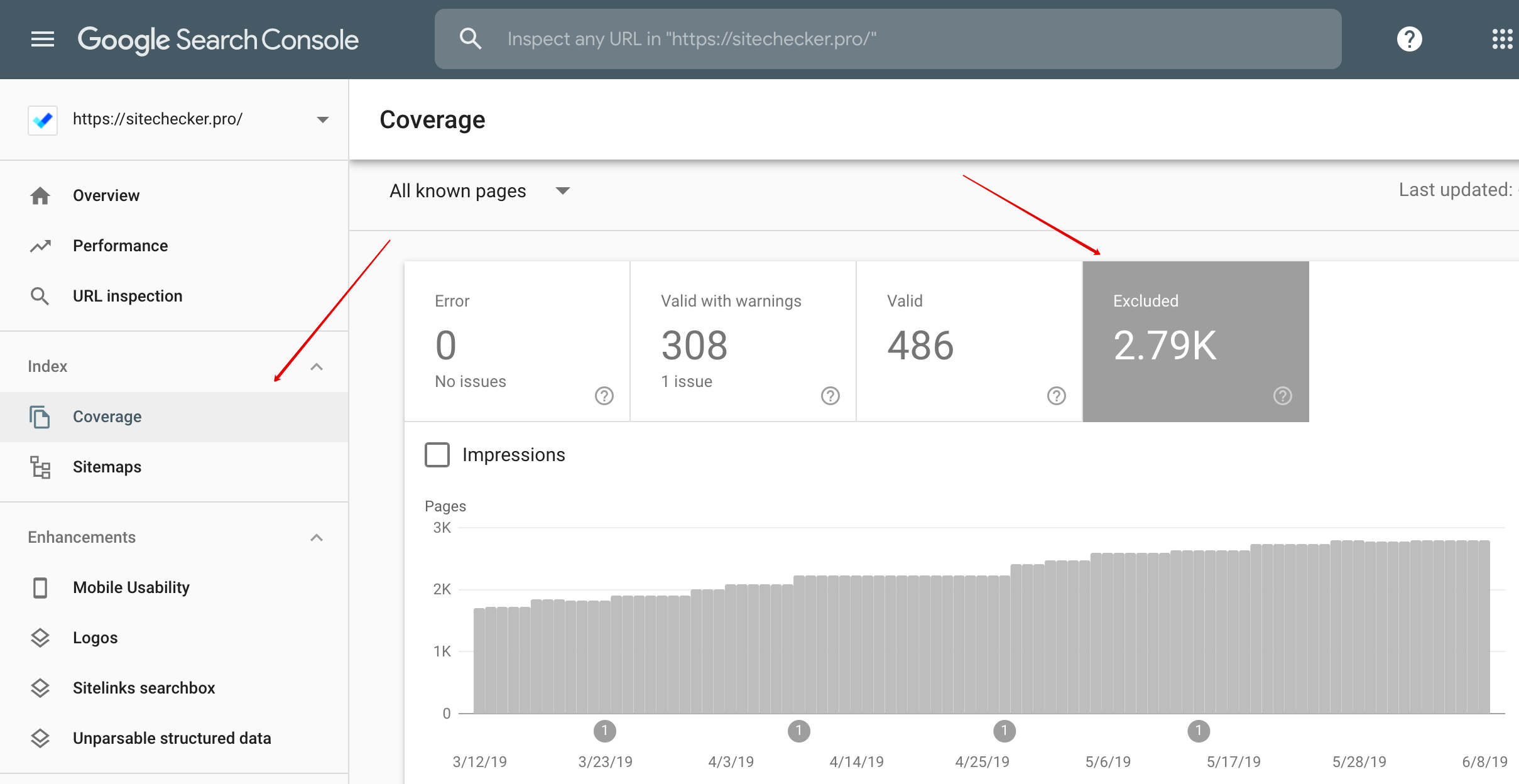
Thus, you will see the list of all URLs excluded from indexing. And 404 pages are among them.
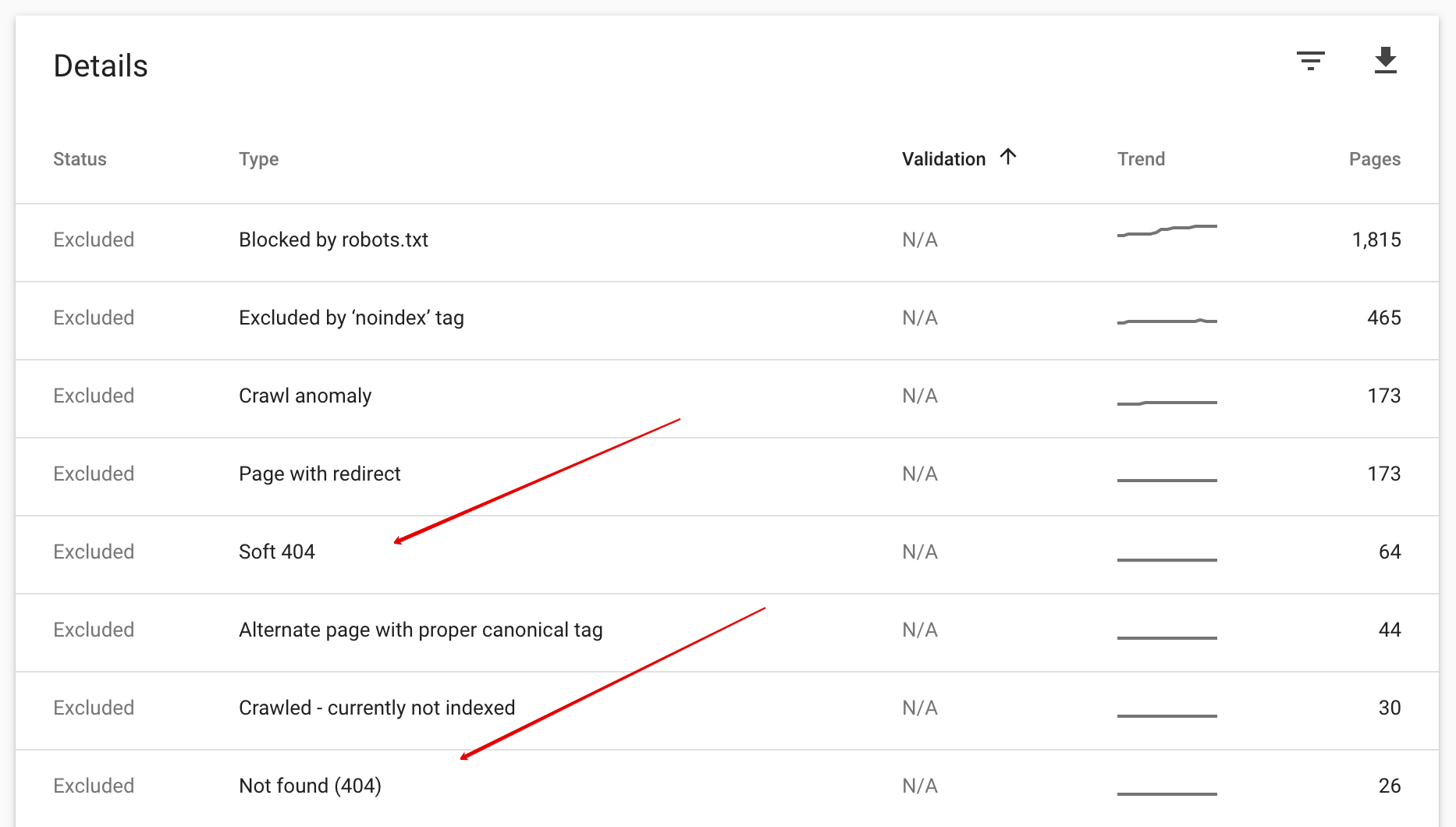
Click on a type of 404 error and you will get on the list of URLs you want to audit.
How dangerous is 404 error
There is an opinion that pages with a 404 error directly influence the indexing of the site and its position in the search results negatively, but in most cases this statement is wrong. Knowing SERP features is important for better website optimization. What happens to such a page when the robot finds it? It removes it from the index (if it’s there, if not – the bot simply doesn’t scan it). This is natural because it is no longer informative and useful. But you need to remember the existence of SOFT errors.
SOFT 404 is not an official response from the server, but rather a tag, assigned to pages by search engines after a crawl.
Search engines make such decisions due to the following reasons:
- There is little or no content on the page (Google can consider it as 404, Yandex as substandard quality).
- There is a redirection to the page, which does not meet the users’ request.
- The non-existent page doesn’t provide either a 404 or 410 server response.
What to choose: 301 or 404
After deleting the page, a new question arises: what is the next step? Do you configure a 404 server response or a 301 redirect? To determine this, each case has to be analyzed separately. For instance, a method which was previously successfully used for a web shop might not be a good choice for a site that offers services. But how to fix 404 error? Configure a 404 server response if, for some reason, a page is deleted completely from the site. 301 redirect is better when:
- The address of the page was changed (e.g. because of structural changes);
- A page is relevant to the users’ request;
- Redirection to another page with a similar content is possible (has the same theme or when going from an item page to a catalog);
- There are exist backlinks to the page.
301 redirect to the homepage is not the best solution for both users (will cause confusion) and SEO (for example, Googlebot considers them as SOFT 404).
404 error and behavioral factors
Remember the feeling when you visit a site in search of something, and instead of finding what you’re looking for you discover a 404 error page. What does the user usually do in this case? Closes the tab and searches for a new site of course. Naturally, the more pages on the site that show a 404 server response, the more users experience this error, the less time they will spend on the site and more rejections will occur.
The search engine algorithms function in a way that special attention is paid to behavioral factors as they play a very important role in the ranking process. To avoid worsening behavioral factors, you should motivate users to stay on the site. To do this you should approach the issue of creating 404 page in an interesting and creative way.
Your own 404 error page
When making a website, you need to create your own 404 page. If you want users to stay on the site, you should think about creating and displaying your own 404 page once an error occurs. In most cases, webmasters do not pay much attention to this solution. To understand how to create perfect 404 page keep in mind objectives of this page:
- Attract the users’ attention;
- Explain what has happened;
- Suggest a solution the problem.
When speaking about your own 404 page, search engines recommend the following.
1. Google
- The page should be created in the same style (including navigation) as the main website;
- You should place the links to the most popular articles and a comment section on this page;
- Provide your users with the opportunity to report broken links.
2. Yandex
- Its design should look different from the other pages of the site;
- You should use different colors or even do not use graphics at all when creating a page.
3. General recommendations
- It should contain a link to the main page;
- You should inform the user in a polite way that the page he/she wanted to visit is not available.
The recommendations above are not unconditional rules for 404 pages. It all depends on the theme of the website and the target audience. For a web shop it is relevant to add a search line, and for site that offer services – contact information.
Examples of custom 404 pages
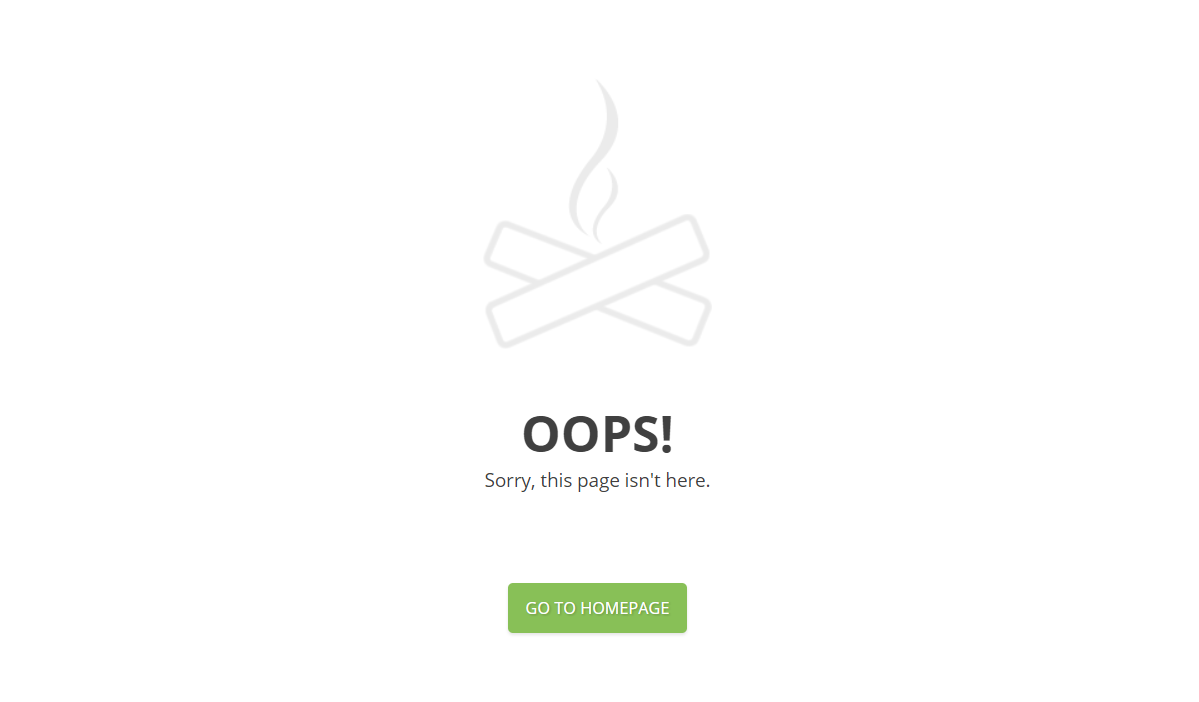
1. Hotjar 404 error
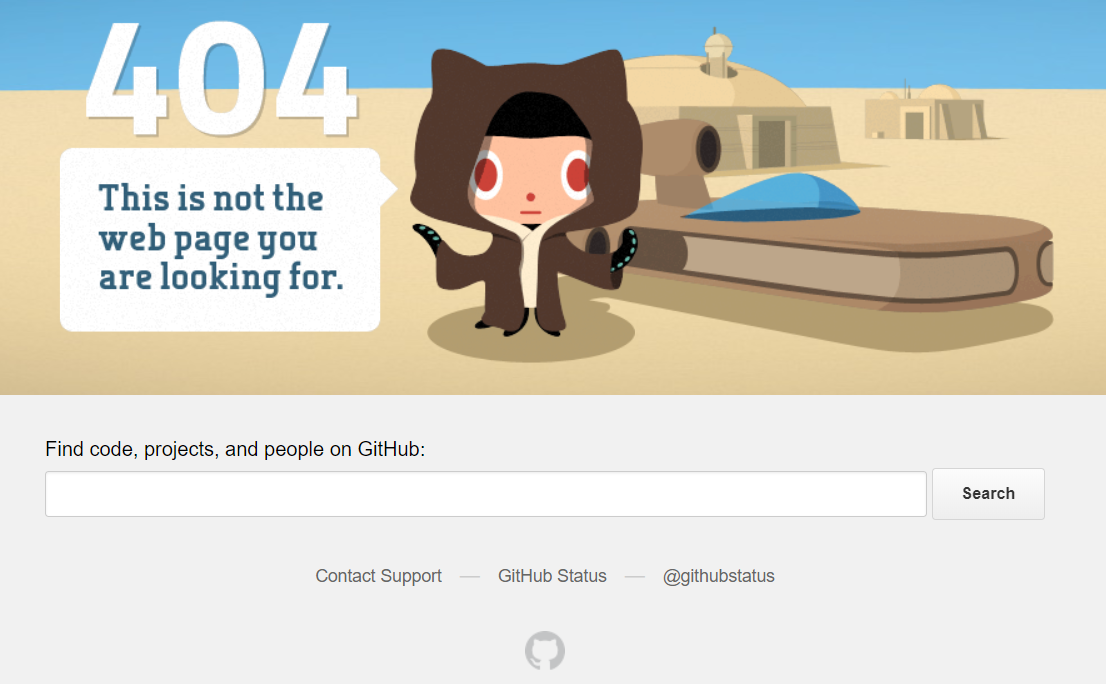
2. GitHub 404 error
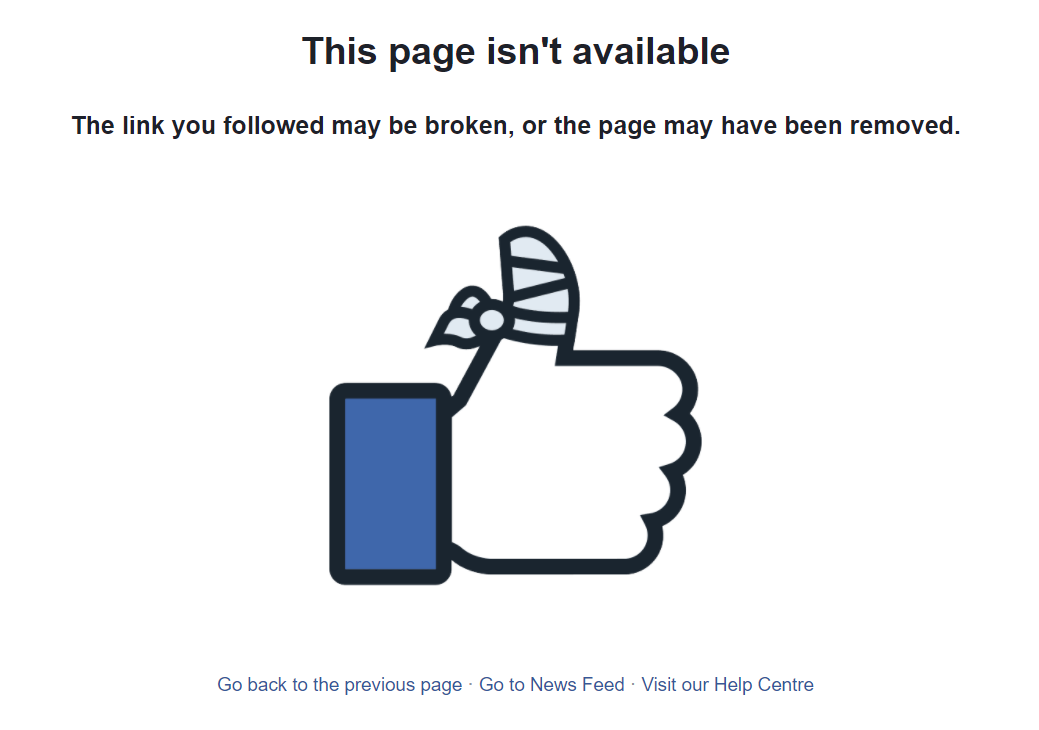
3. Facebook 404 error
4. Ahrefs 404 error
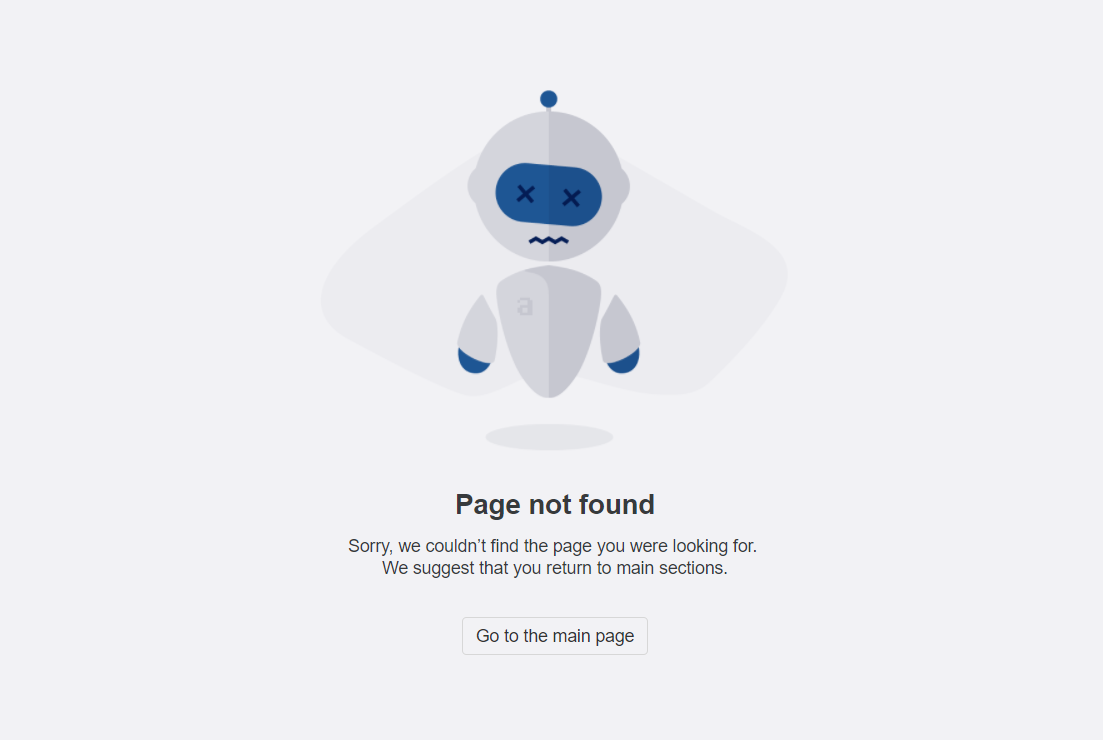
5. Semrush 404 error
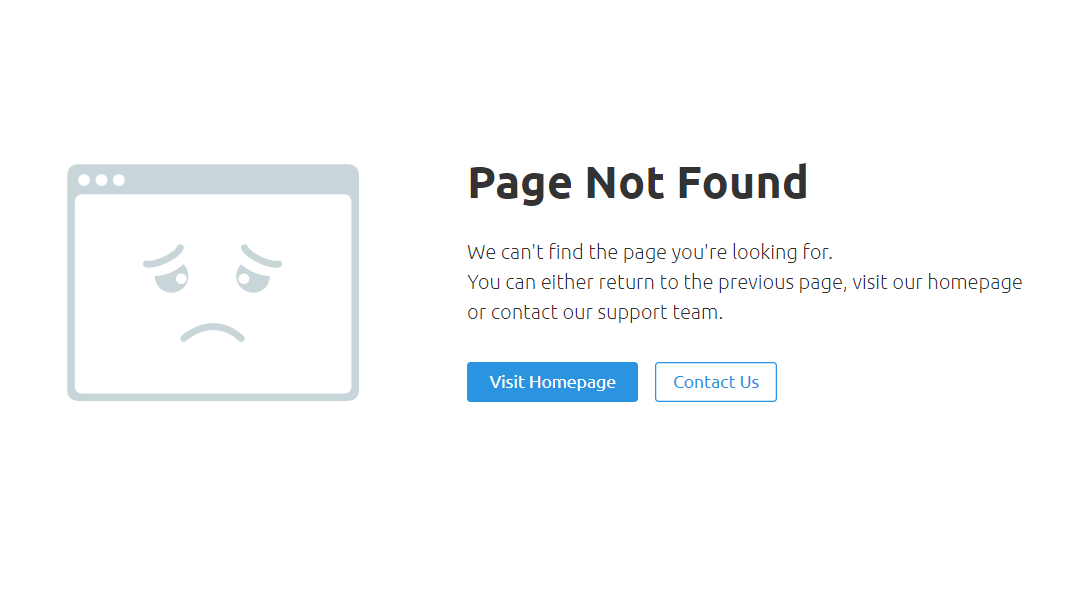
6. YouTube 404 error
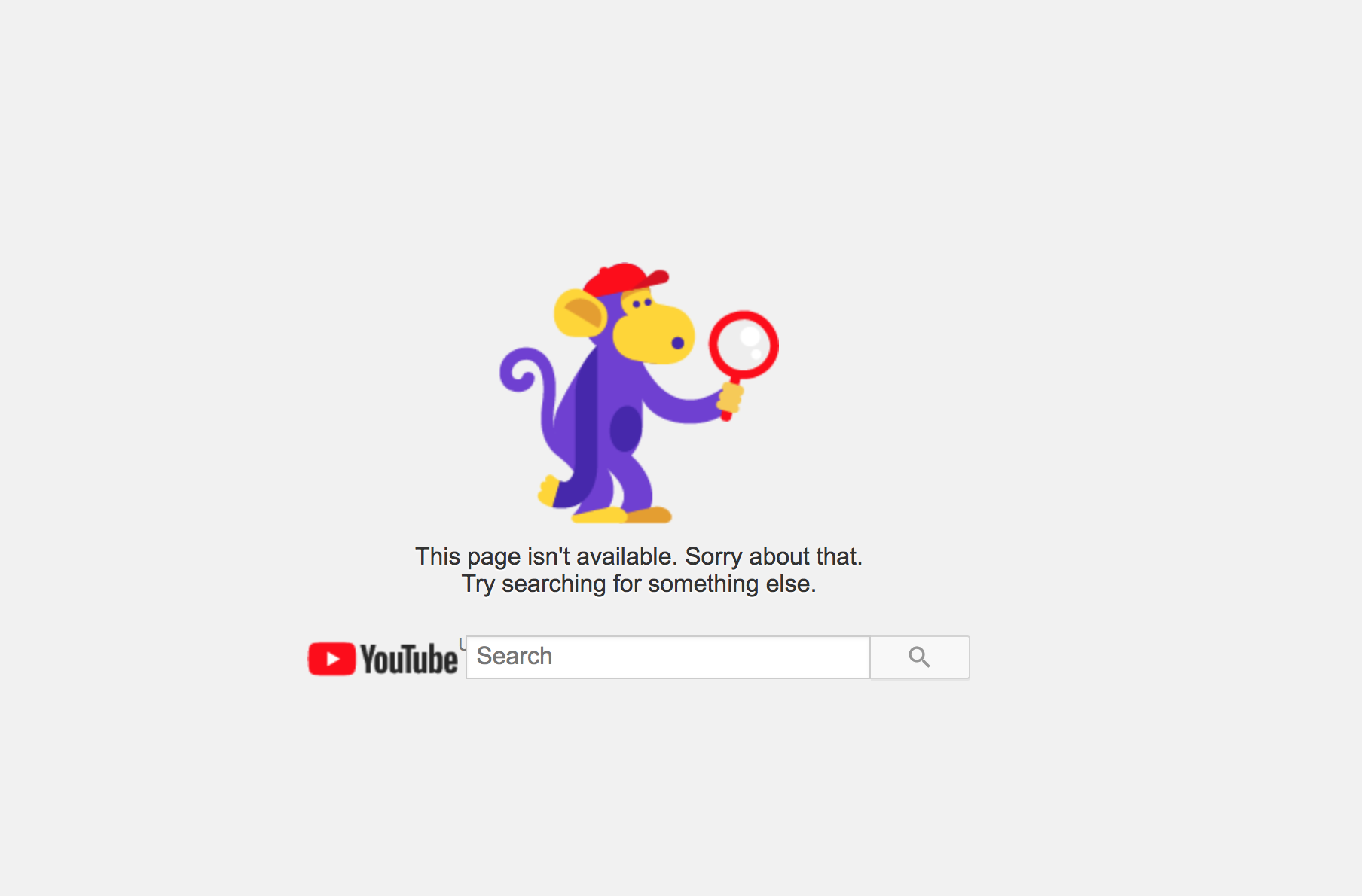
7. Amazon 404 error

8. Zappos 404 error
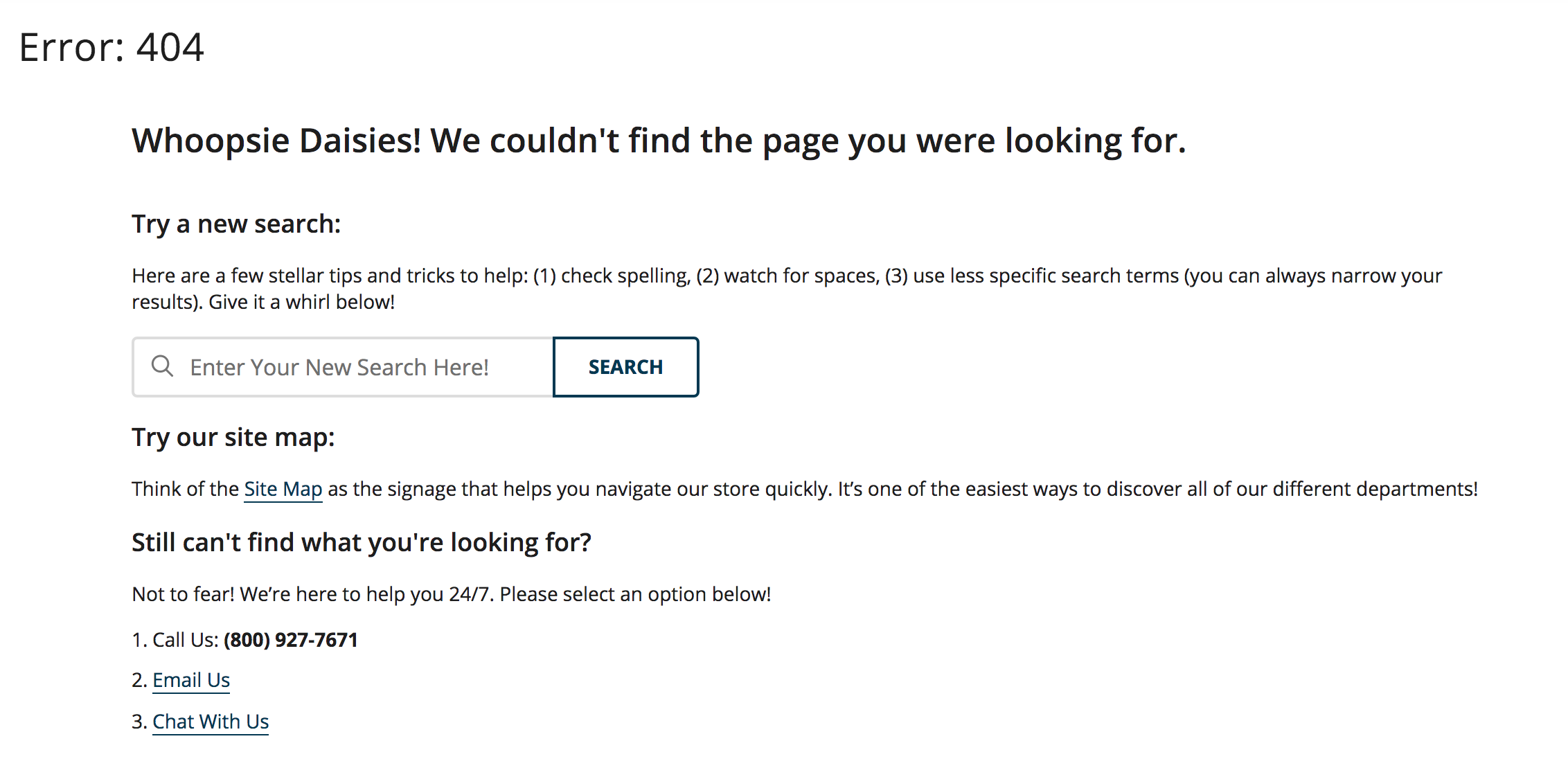
9. Linkedin 404 error
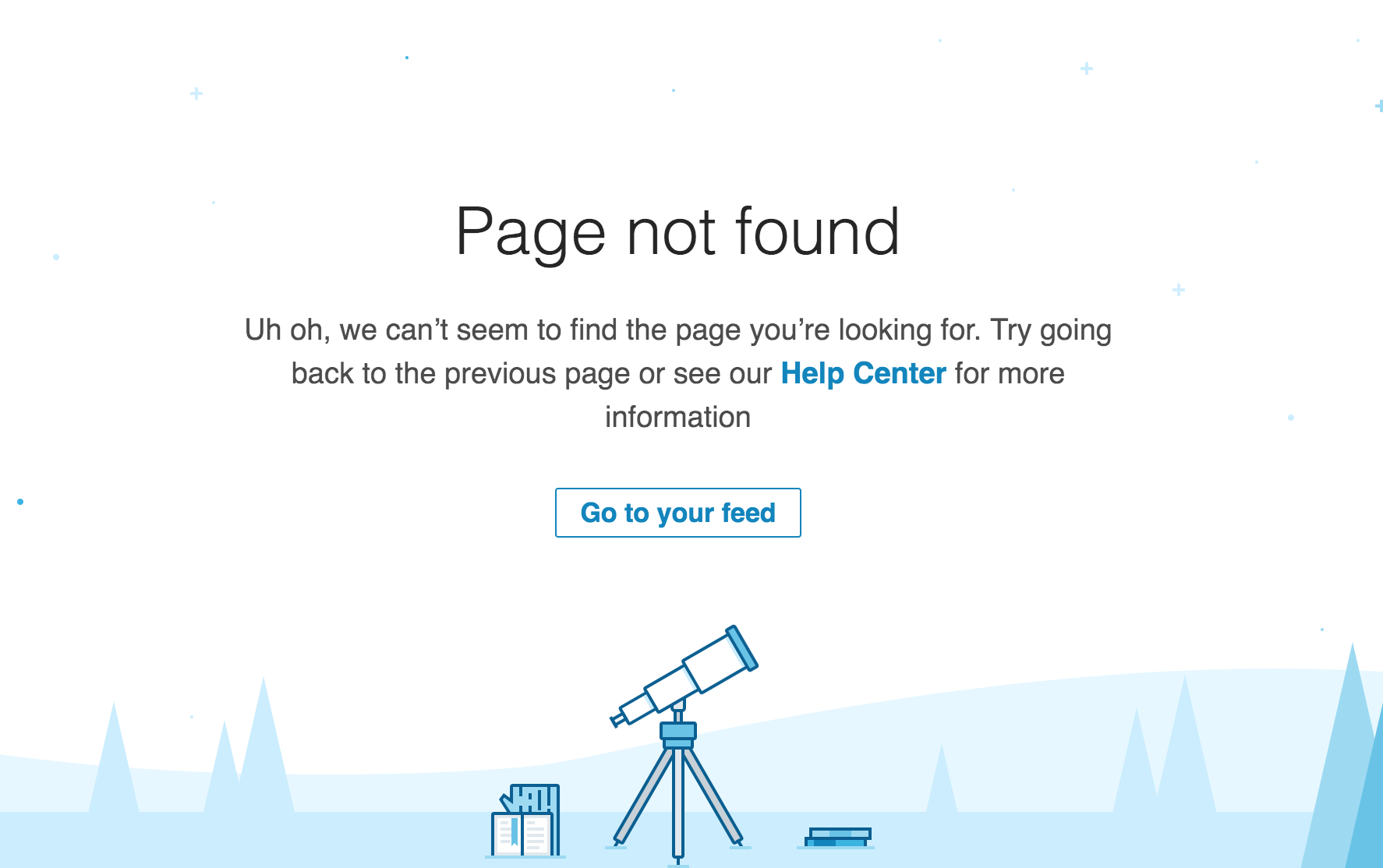
10. Sitechecker.pro 404 error